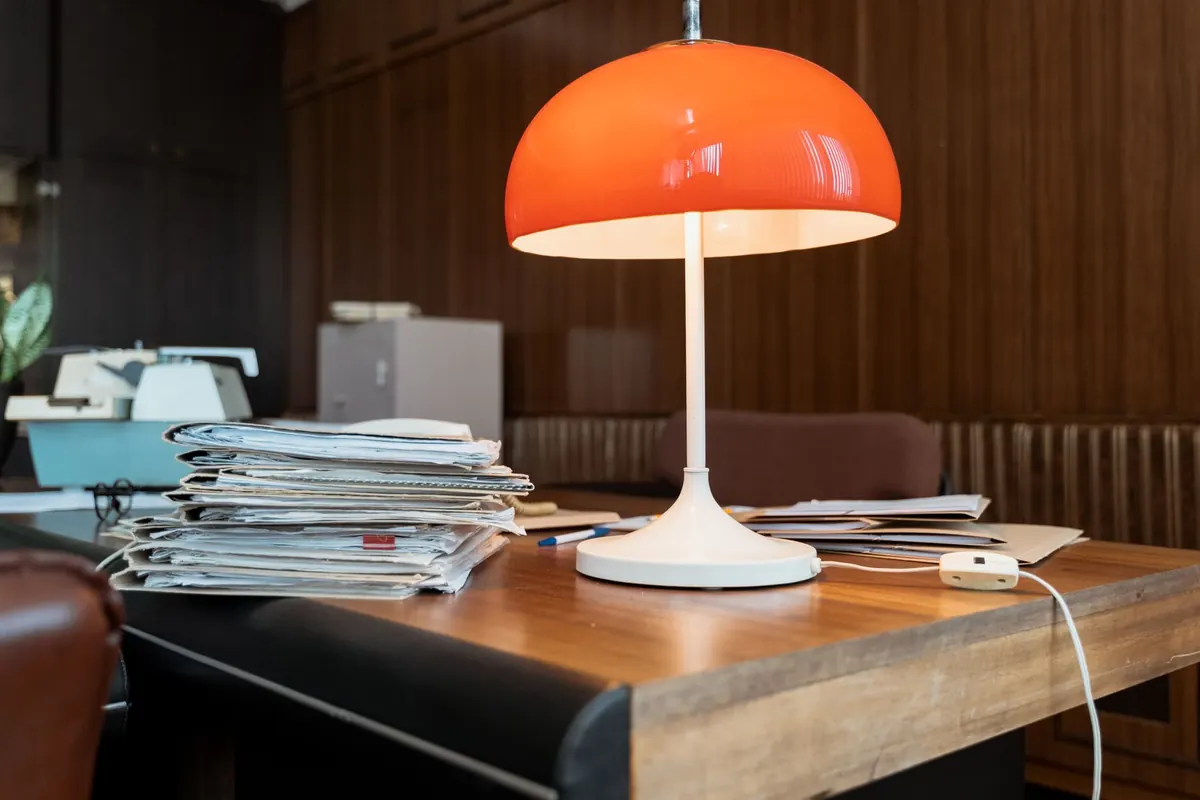
Spring Clean Your Home Office: A 30-Minute Checklist
A practical 30-minute seasonal reset for your home office: clear the desk, empty a drawer, archive paper,...

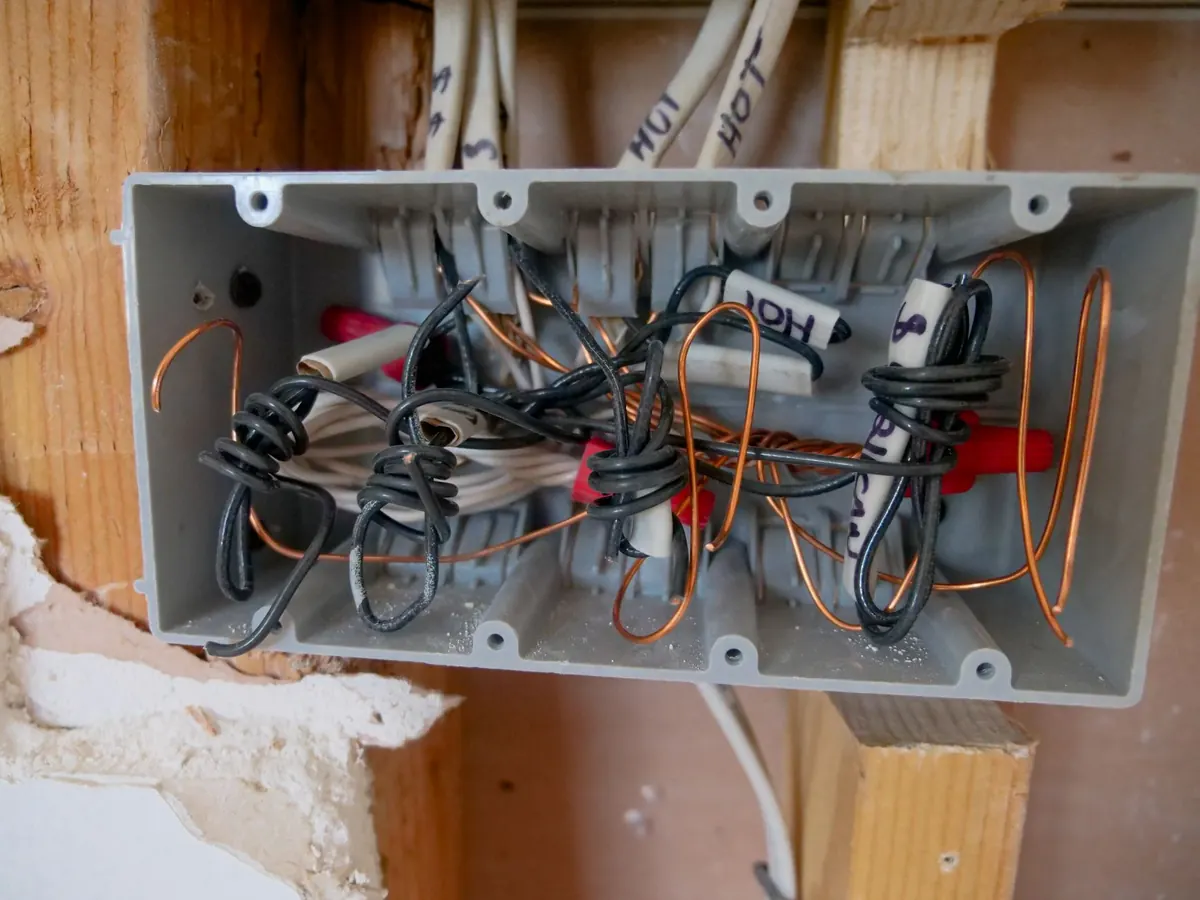
Sharing a living room with a printer, a router and a nest of cables tests your patience. You want the room to feel like a sitting room at eight in the evening and a workplace at nine in the morning, and those two moods don't sit easily together. Most of the clutter is solvable with furniture you can buy or adapt, plus a little planning before you drill anything.
Stand in the doorway, then sit where you usually sit. Whatever you can see from those two positions is what needs dealing with. Gear you can see but not reach, such as the router flashing on a windowsill, is the most distracting.
Write three lists: kit that must stay plugged in and switched on (router, external drive, printer on standby); kit that can go in a drawer between uses (keyboard, mouse, chargers); and kit that only appears occasionally (scanner, label maker, spare cables). Only the first list needs permanent, ventilated housing. The rest just needs a home.
A cabinet is the tidiest answer because it hides everything at once, but a sealed box will cook a laser printer and shorten a router's life. Air has to move through.
Measure your printer with the paper tray extended and the output tray open, then add 50mm all round for airflow. An A4 laser printer typically needs around 45cm of depth before clearance, so check your own model rather than trusting a generic figure.
Second-hand sideboards and old record cabinets are often better value than new office furniture, and easier to adapt. Replace a solid panel with cane webbing, or drill a grid of holes in the back, sand the edges, and you have something that looks like it belongs in a living room.
Cables are the real visual noise. Bundle them once, properly, and future changes become simple.
Label both ends of every cable with a wrap of masking tape and a pen. It takes ten minutes and saves an hour the next time something stops working.
Safety matters more than neatness. Don't run mains cables under rugs or across doorways where they'll be walked on, don't daisy-chain extension leads, and use a surge-protected strip within its rated load. If you're unsure what your sockets can take, ask a qualified electrician.
Routers are the one thing you shouldn't shut inside a metal or thick-walled cupboard. Wi-Fi weakens as it passes through dense materials, and metal is the worst offender of all. Put it high, central and in the open where you can, then make it look deliberate.
A small wall shelf, a tray tucked behind a photo frame, or an open-weave basket all work. Keep it away from microwaves, cordless phone bases and large mirrors, and leave a couple of centimetres of clearance so it doesn't run hot. If the router has to stay where the broadband enters the house, use a cabinet with slatted doors and leave the back open.
Adjustable shelving is the most forgiving choice for a multi-use room, because the layout can change as your kit does. A cube unit with open and closed sections gives you somewhere to park the printer, a basket for cables and a shelf for books, so it reads as furniture rather than storage.
Look for these qualities:
If floor space is tight, think vertically. A tall narrow unit beside the chimney breast occupies the same footprint as a side table but holds far more, and sliding doors avoid the swing space that hinged ones demand.
Any system fails if it's awkward to use. Leave the printer's paper tray accessible without shifting furniture. Keep a small basket for the things that migrate: chargers, adapters, a spare ink cartridge. Run a close-down routine each evening: lid shut, cables tucked, laptop into a drawer or lidded box.
If you can put the room back to living mode in under two minutes, you'll actually do it.
Start with the sightline audit, then solve the cable problem before you spend money on furniture. Most clutter is cable clutter in disguise. Choose a ventilated cabinet or a slatted-door unit for anything that runs warm, keep the router in the open where the signal can breathe, and use adjustable shelving elsewhere so the arrangement can evolve.
Get those four things right and the room stops feeling like a compromise: a desk that works, and a sofa that doesn't stare at a printer.
Photo: Kindel Media / Pexels
A practical 30-minute seasonal reset for your home office: clear the desk, empty a drawer, archive paper,...
A practical £300 plan for a home office, covering where to spend first, how to choose a second-hand chair,...
Oversized furniture, dark corners and visual clutter all shrink a small home office. Here are the common...